A sanctuary for the
lost
Turning major life events into something far greater than you.
If you are...
1
lost for direction in life
2
Feel like everything & everyone is against you
3
Want to win & take back control of your life
Transformation Journey
Getting to Know you
Be friends with yourself through Journalling.
Winning over yourself
Win over your impulses and urges through Habit Tracking.
Forgiving yourself
Find courage to let go of the past and move forward.
A Greater Vision
Carrying something greater than yourself.
Ropes and Beeswax
Discover the tools and systems you need to achieve the vision.
Face your fears through Journalling.
The first step to overcoming fear is by labelling it.
People tend to underestimate how writing your fears & anxieties on paper alone solves 50% of your anxieties, and you haven't even done anything about your problems!There is power in being honest in your journals.
Find Clarity in Consistency.
To know what you want means to know what you don't want.
Building habits and routines throughout your day and keeping yourself accountable will enable the real you to get comfortable in doing hard things and thus able to find a purpose greater than yourself.Be addicted to the right dopamine → Discipline.
Build something greater than you
Prioritize vision, start a business, start a blog, set unrealistic goals, make an impact.
5 sample systems to start building your life on for growth and purpose.

Goals
Most people don't achieve goals simply because they don't have it written down.

Finance
What gets measured / tracked gets managed. Know what you really prioritize.
Content
Don't have to be an influencer to document your life.

note taking
The backbone of all your thoughts and ideas for life.
business db
The craft you do to be an impact for others.
Ready for a change?
Get to know yourself inside out.
take node
Personal OS
for clarity, vision building, and personal finance.
Take node
Business OS
for the work you do.
take node pro
Exclusive Dashboards
Coming Soon
Seed Node
Faith Begins with a Seed
Letters to self about battle scars from life.
Subscribe
To our Newsletter
COMING SOON (DONT SUB YET, YOU WON'T RECEIVE ANYTHING)
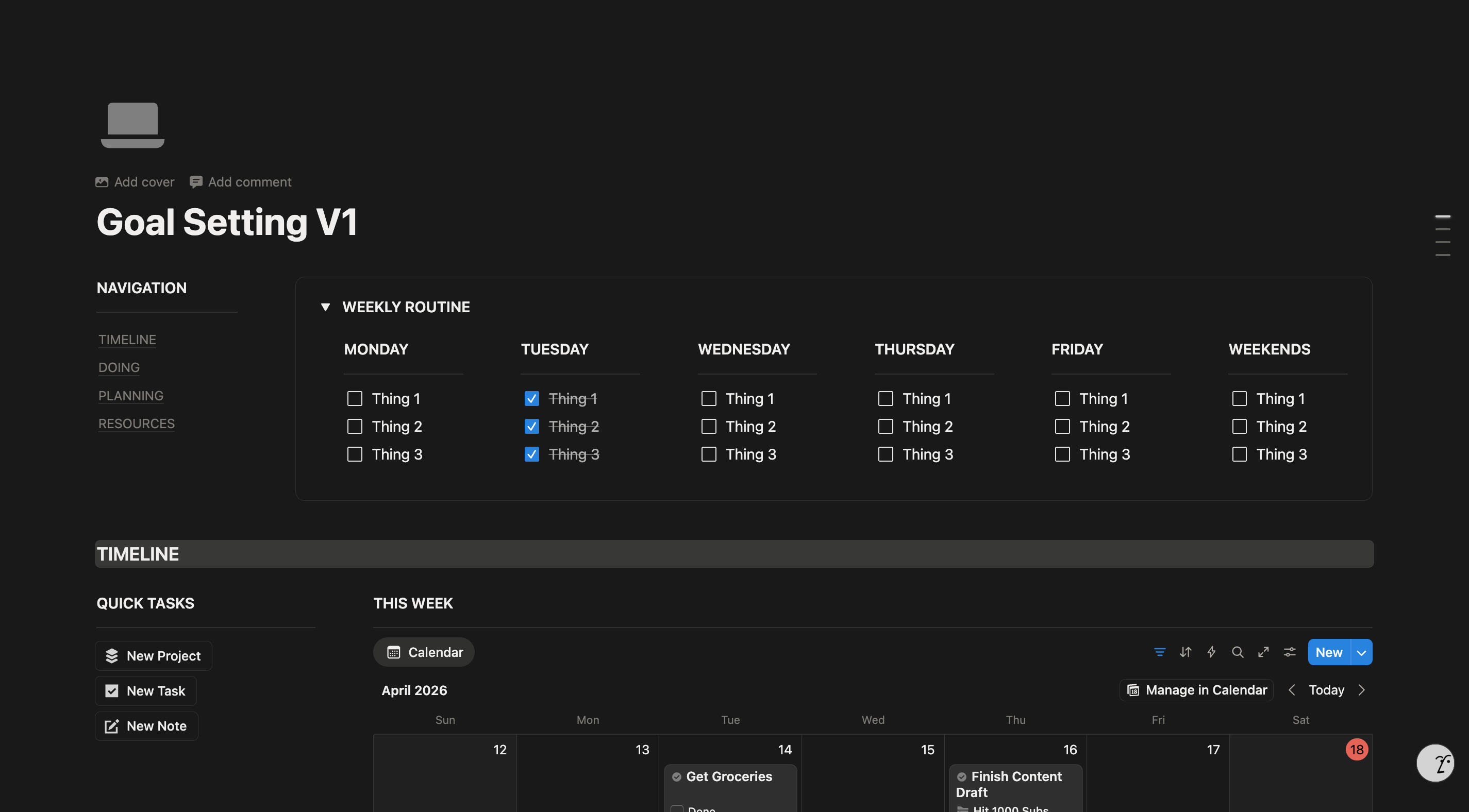
Goal Setting 🎯
Features a wealth goal tracker & custom banks! Get your finances aligned and track your goals daily
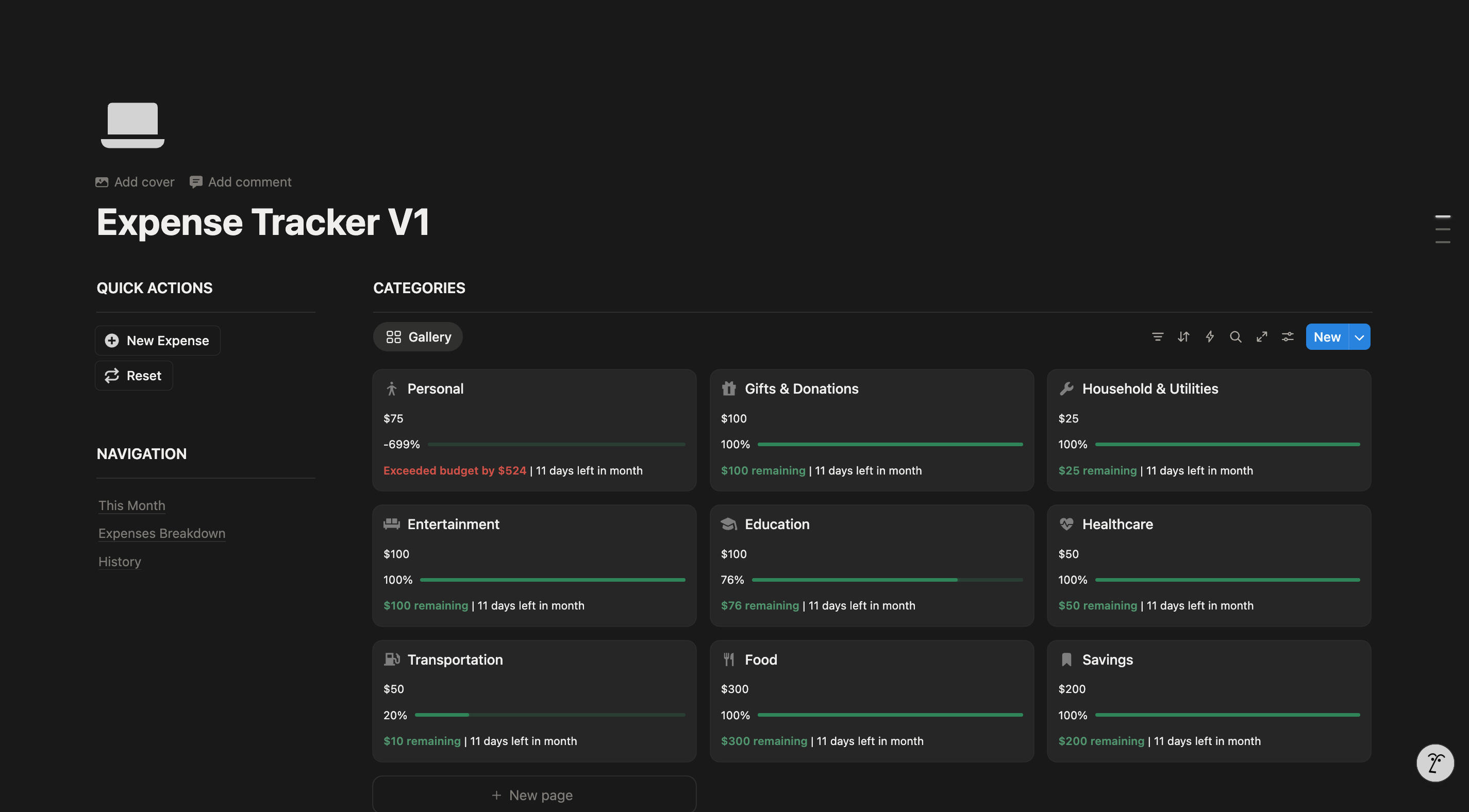
Expense Tracker 💳
Features a wealth goal tracker & custom banks! Get your finances aligned and track your goals daily
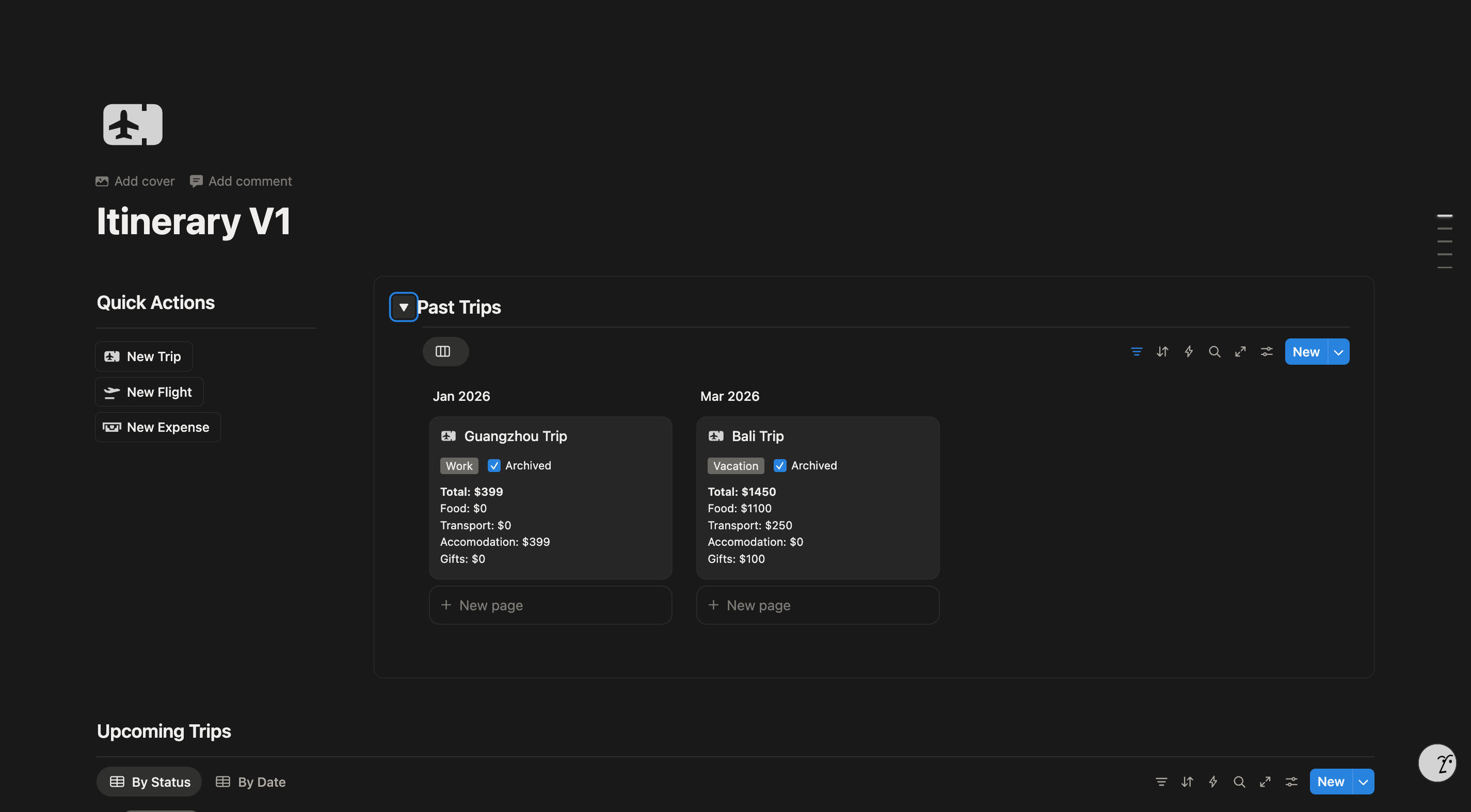
Travel Planner ✈️
Features a wealth goal tracker & custom banks! Get your finances aligned and track your goals daily
Mini Productivity Hub
Yes! Notion templates are fully customizable—you can edit text, change layouts, and add or remove sections as needed,and you will receive extra instruction manuals on how to use the template.
Yes! Notion templates are fully customizable—you can edit text, change layouts, and add or remove sections as needed,and you will receive extra instruction manuals on how to use the template.
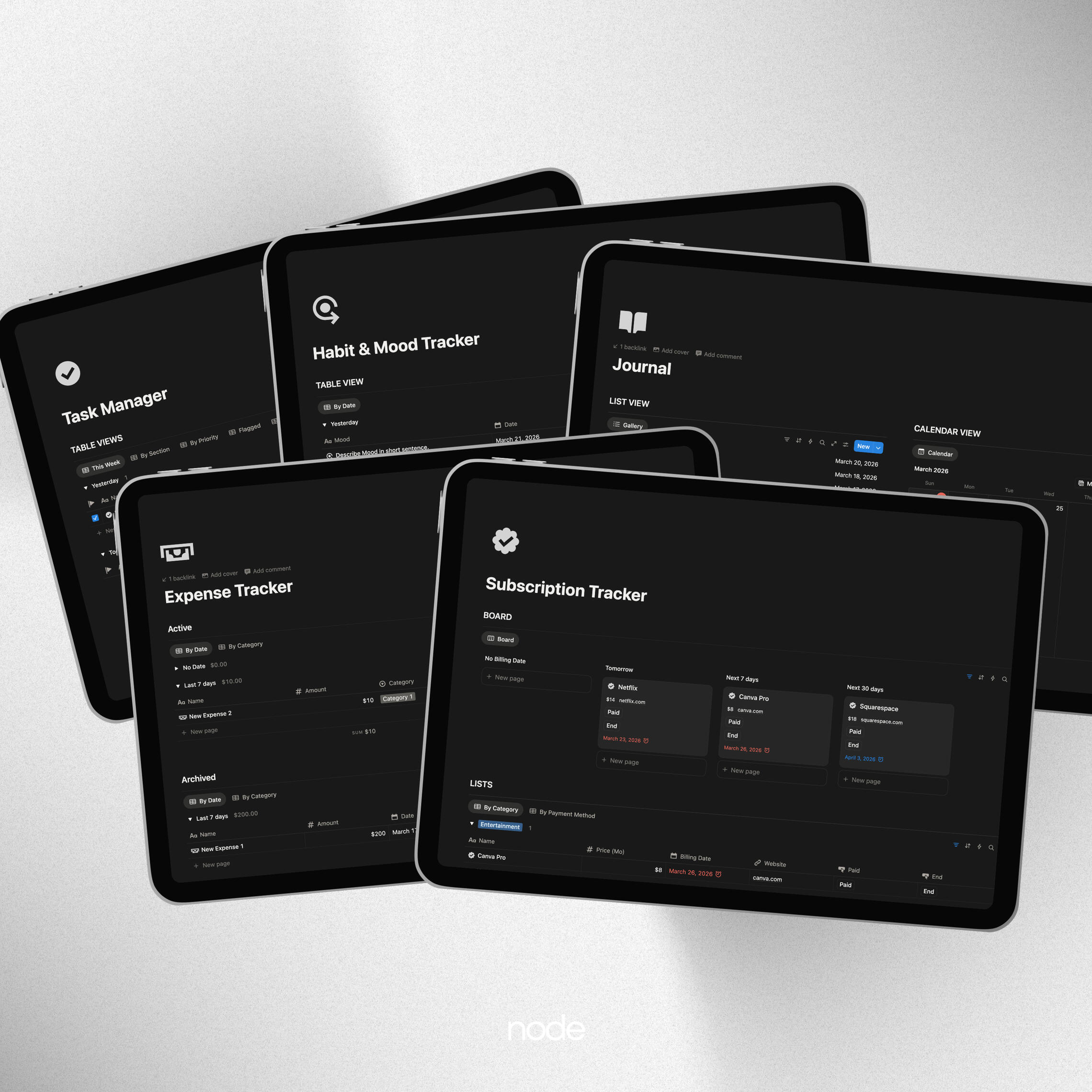
The 5 Pillars


A complete set of systems to boost productivity.
Frequently
Asked
Questions
Have any more Questions?
Leave a message and we will get right back to you!
What is a Notion template?
A Notion template is a pre-built workspace designed to help users organize information efficiently. It can include task managers, databases, and custom layouts.
Why should I buy a Notion template instead of creating one myself?
Purchasing a template saves time, provides a professionally designed layout, and often includes advanced features that would take hours to build from scratch.
Do I need a paid Notion account to use a template?
No, most templates work on the free plan. However, some advanced features (like team collaboration) may require a paid plan.
How do I get the Notion template after purchase?
After purchasing, you’ll receive a link to duplicate the template into your own Notion workspace.
Do I need to install any extra software?
No. Notion is a web-based platform that works in browsers and has apps for desktop and mobile.
Can I customize the template?
Yes! Notion templates are fully customizable—you can edit text, change layouts, and add or remove sections as needed, and you will receive extra instruction manuals on how to use the template.
Or.. Sign up to our newsletter
COMING SOON (DONT SUB YET, YOU WON'T RECEIVE ANYTHING)
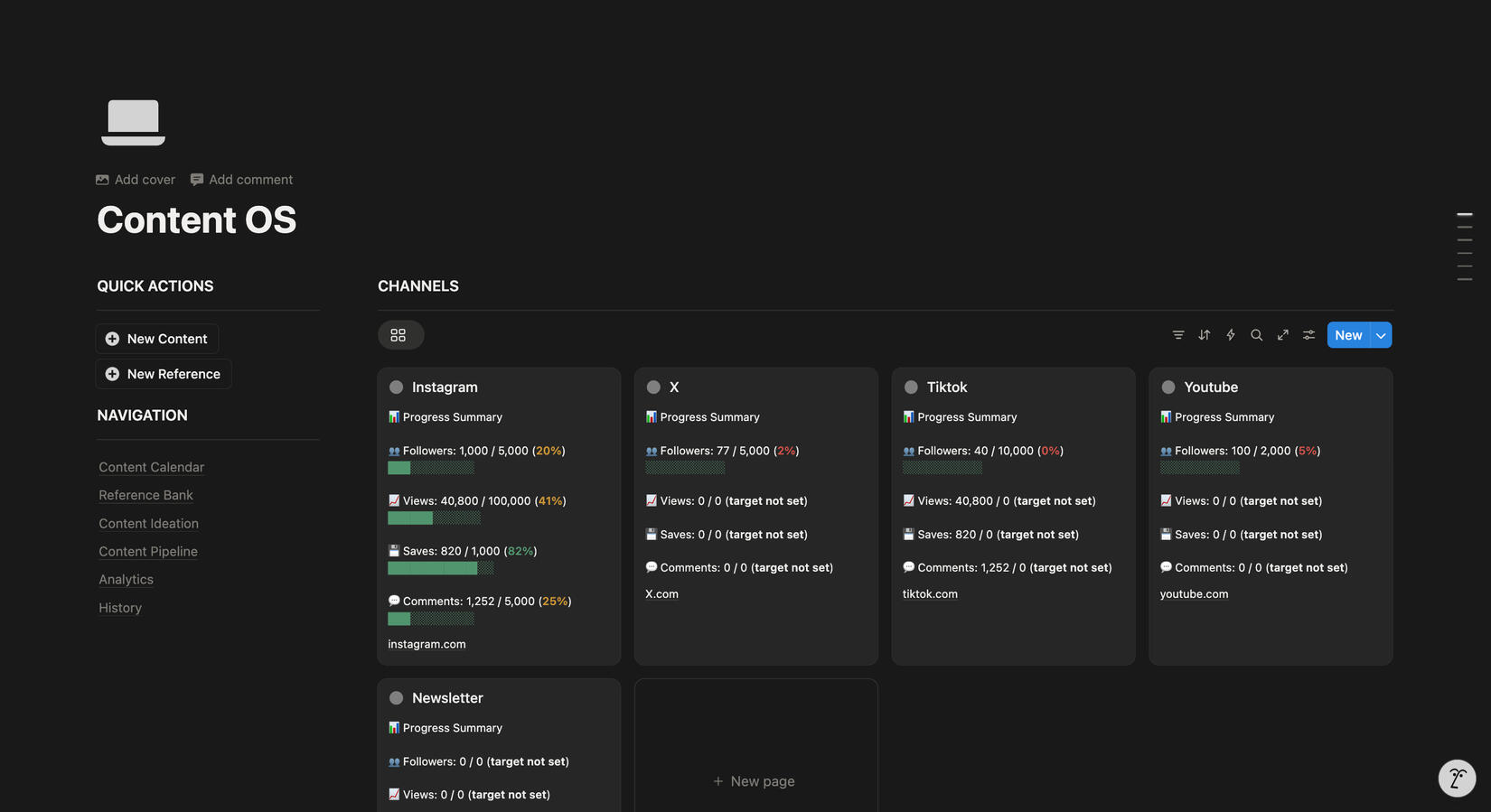
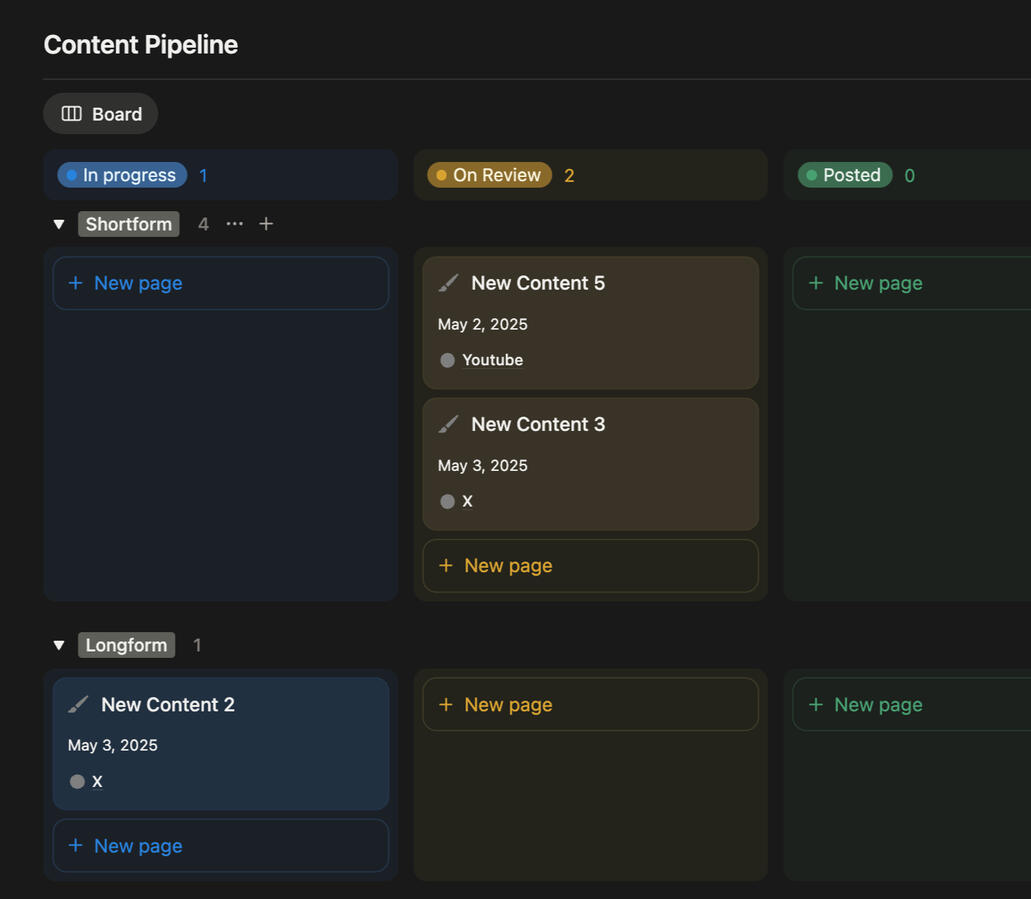
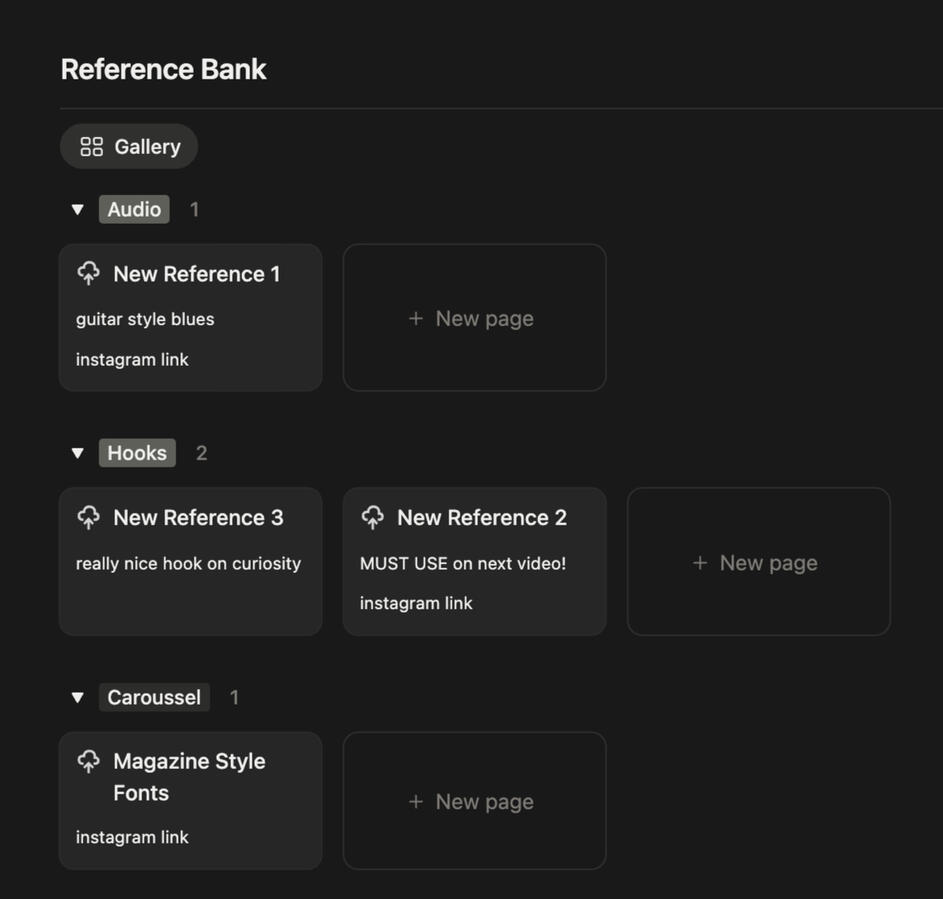
Content OS
Yes! Notion templates are fully customizable—you can edit text, change layouts, and add or remove sections as needed,and you will receive extra instruction manuals on how to use the template.
$0



Recruitment OS
COMING SOON
$0
Frequently
Asked
Questions
Have any more Questions?
Leave a message and we will get right back to you!
What is a Notion template?
A Notion template is a pre-built workspace designed to help users organize information efficiently. It can include task managers, databases, and custom layouts.
Why should I buy a Notion template instead of creating one myself?
Purchasing a template saves time, provides a professionally designed layout, and often includes advanced features that would take hours to build from scratch.
Do I need a paid Notion account to use a template?
No, most templates work on the free plan. However, some advanced features (like team collaboration) may require a paid plan.
How do I get the Notion template after purchase?
After purchasing, you’ll receive a link to duplicate the template into your own Notion workspace.
Do I need to install any extra software?
No. Notion is a web-based platform that works in browsers and has apps for desktop and mobile.
Can I customize the template?
Yes! Notion templates are fully customizable—you can edit text, change layouts, and add or remove sections as needed, and you will receive extra instruction manuals on how to use the template.
Or.. Sign up to our newsletter
COMING SOON (DONT SUB YET, YOU WON'T RECEIVE ANYTHING)
Coming Soon
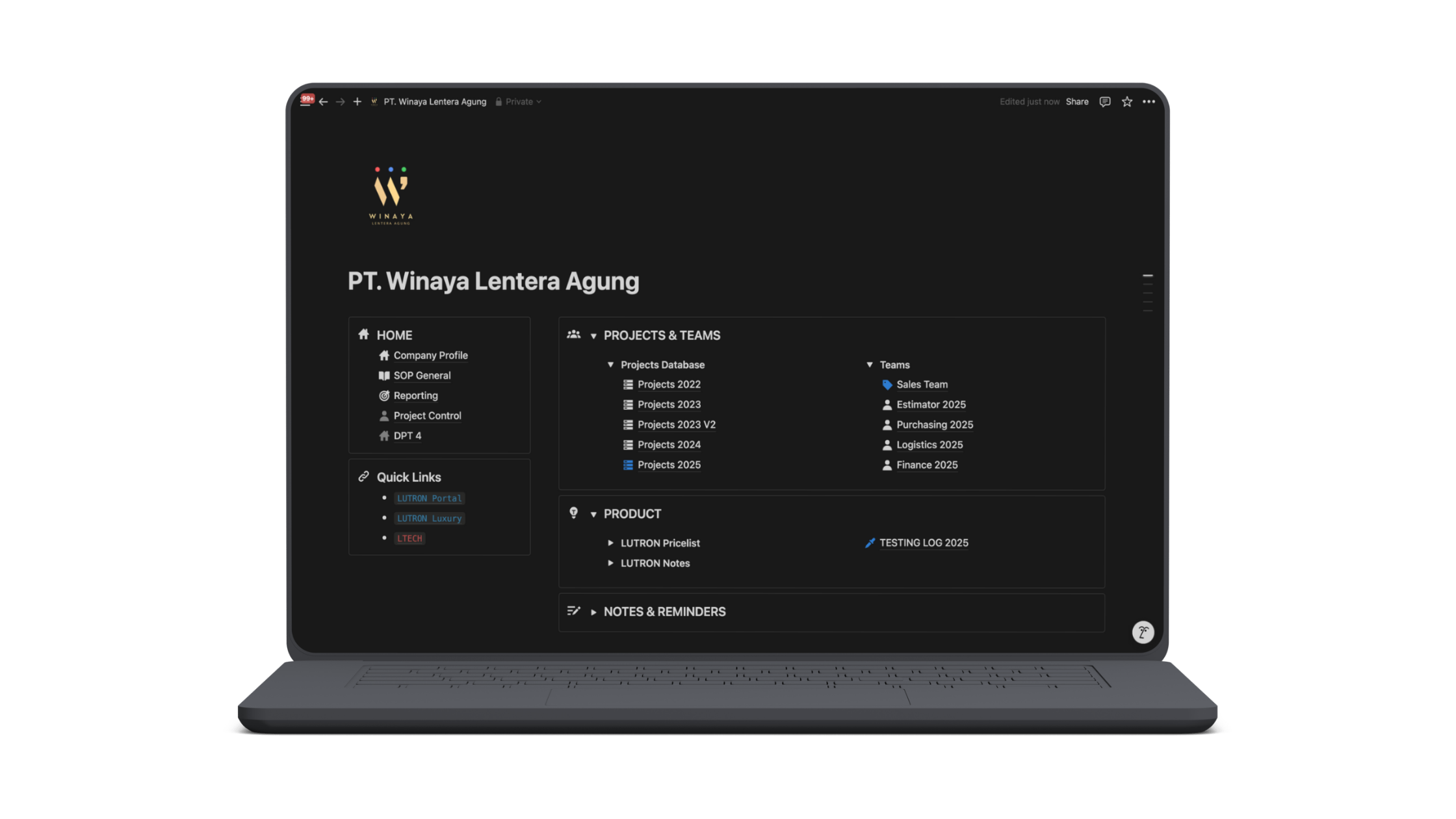
Active Clients
Trusted By

Customized Templates
Hop on a discovery call and discover how notion can help you and your small team tackle day-to-day tasks and projects effectively.
| ☑️ | 📝 | 🎯 | 📁 |
|---|---|---|---|
| Tasks | Notes | Goals | Resources |
Pricing
Node Exclusive (PRO)
Template Title
Starting from
$--
Benefit 1
Benefit 2
Benefit 3
For ICP
Frequently
Asked
Questions
Have any more Questions?
Leave a message and we will get right back to you!
What is a Notion template?
A Notion template is a pre-built workspace designed to help users organize information efficiently. It can include task managers, databases, and custom layouts.
Why should I buy a Notion template instead of creating one myself?
Purchasing a template saves time, provides a professionally designed layout, and often includes advanced features that would take hours to build from scratch.
Do I need a paid Notion account to use a template?
No, most templates work on the free plan. However, some advanced features (like team collaboration) may require a paid plan.
How do I get the Notion template after purchase?
After purchasing, you’ll receive a link to duplicate the template into your own Notion workspace.
Do I need to install any extra software?
No. Notion is a web-based platform that works in browsers and has apps for desktop and mobile.
Can I customize the template?
Yes! Notion templates are fully customizable—you can edit text, change layouts, and add or remove sections as needed, and you will receive extra instruction manuals on how to use the template.
Or.. Sign up to our newsletter
COMING SOON (DONT SUB YET, YOU WON'T RECEIVE ANYTHING)
Wisdom from Lamentations 3
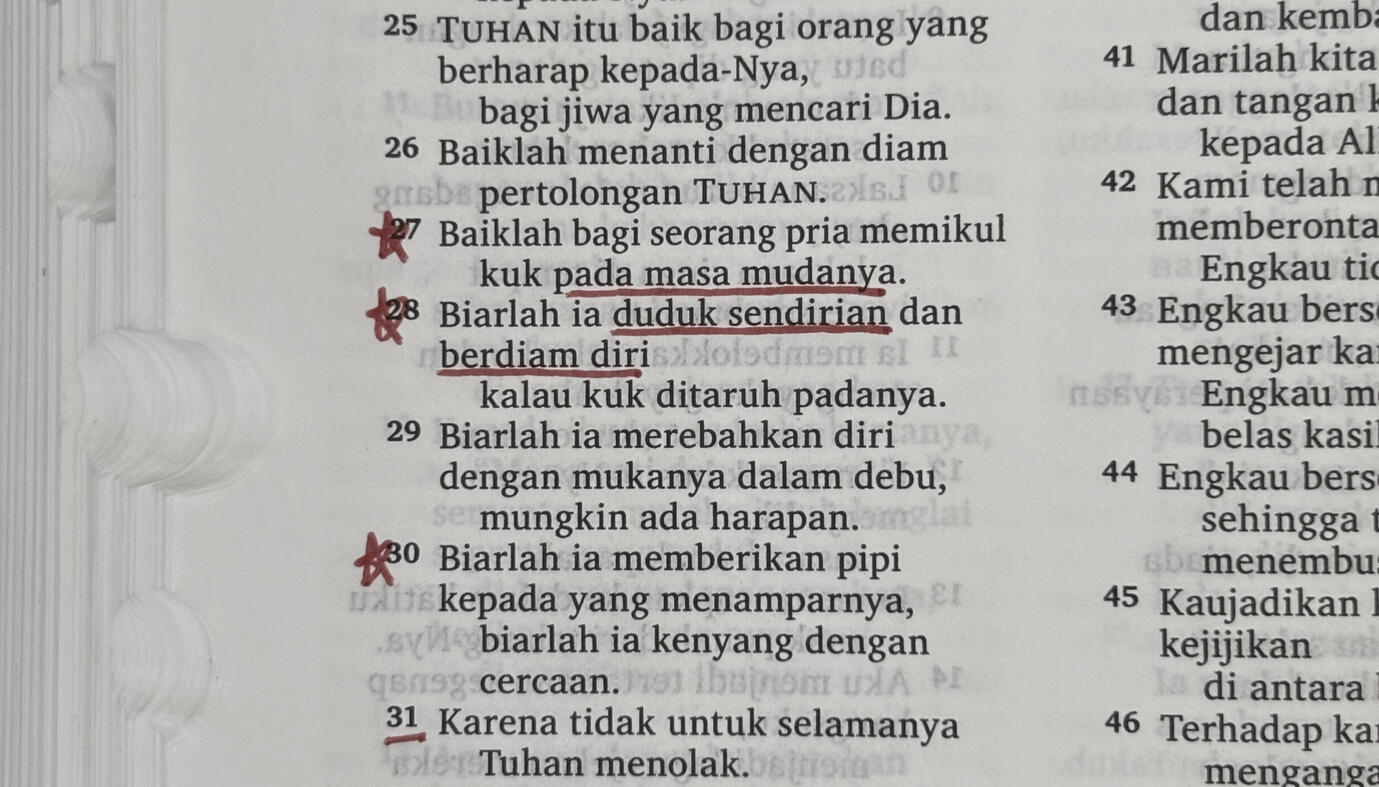
A call to sit down with yourself in silence.
and carry your yoke while you are young.
About seed nodes
Seed nodes came from a very deep valley. It might not be something related to why you came here and that is perfectly fine, it is however the very foundation of my WHY. The reason I came back to bringing node OS back to life after a period of nothingness was all found through long days of sitting down with myself just journalling and even longer weeks of self reflection.
I have found my WHY here, and if node OS has been a great deal of help for you guys, I'm more than happy to say it is all possible not because of my hard work, but because of the only Lord and Saviour, Jesus Christ.
Seed nodes is a journey of faith filled with letters I intend to write for my younger self, and it covers a great deal about my own personal life. From heartbreak, discovering masculinity, accepting change, and many more.
Sign up for the newsletter here